VegaHQ Multi-Company Switch: Run Every Business You Own From One Login
Managing two or three companies with separate HR logins is a headache VegaHQ solves with a single-login multi-company switch built for group owners.
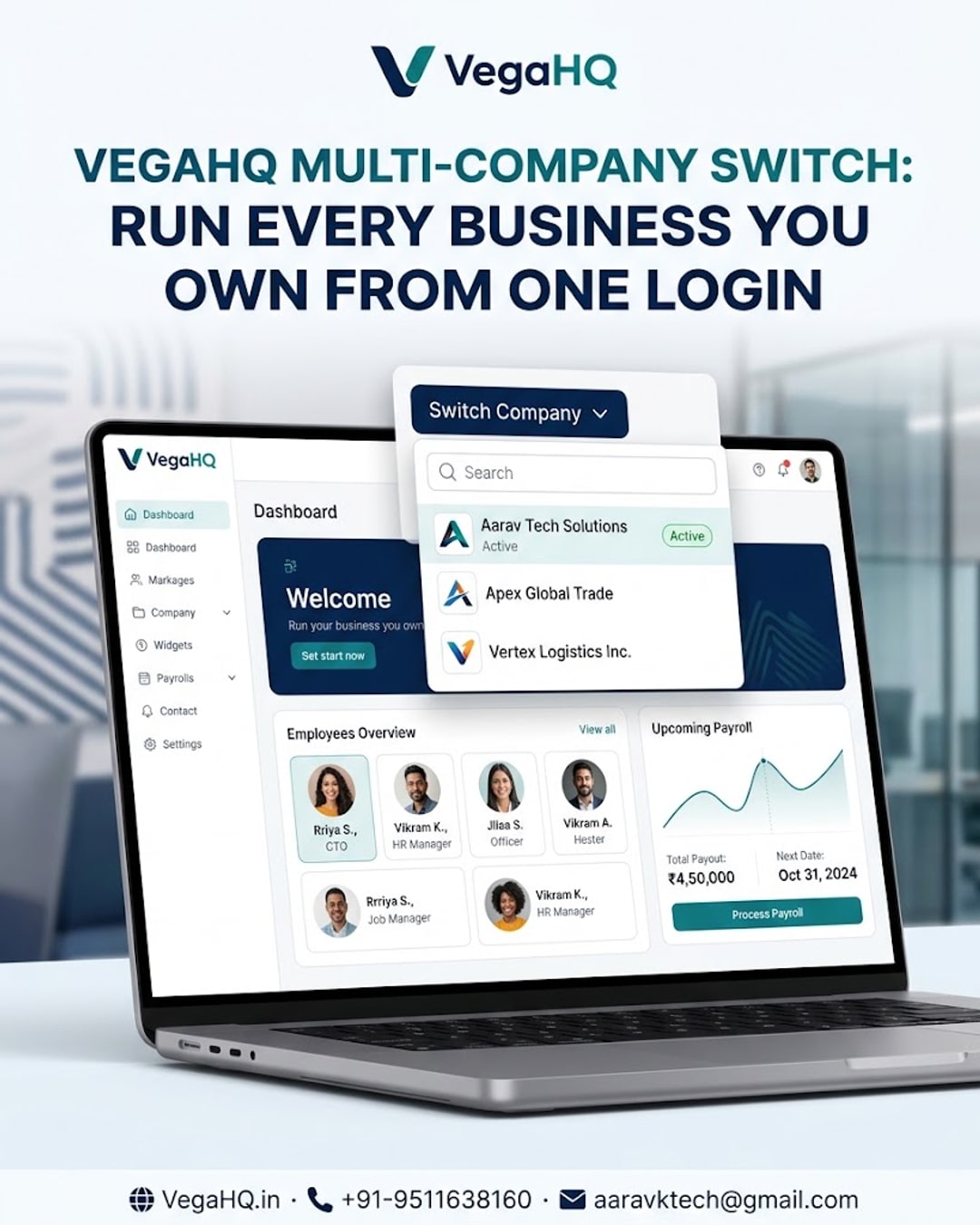
One Login, Every Business You Own: Inside VegaHQ's Multi-Company Switch
If you run more than one company, you already know the pain: separate HR logins, separate payroll runs, separate everything, just to manage teams that could easily live under one system. This post breaks down how VegaHQ's multi-company support actually works and why it matters for group owners, franchise operators, and anyone juggling multiple legal entities.
01Why separate logins slow down group owners
Most HR tools are built assuming you run one business. The moment you add a second company, whether it's a sister brand, a franchise unit, or a separate subsidiary, you're stuck creating a whole new account, re-entering settings, and mentally switching contexts all day. That friction adds up fast when you're the one person overseeing it all.
02How the VegaHQ multi-company switch works
Instead of forcing multiple accounts, VegaHQ lets you register each business as its own company profile under a single login. A simple switcher in the dashboard lets you toggle between companies in seconds. Each company keeps its own employees, attendance records, payroll cycles, approvals and reports, fully separate on the backend, but accessible from one place on the front end.
03What stays separate, and what doesn't
Compliance and financial data never mix. Payroll for Company A is calculated independently of Company B, statutory filings stay entity-specific, and employee records don't cross over. What you gain isn't shared data, it's shared convenience: one login, one mobile app, one place to check in on every business you own, without the risk of numbers bleeding between entities.
04Who actually needs this feature
This is built for a specific kind of user: someone running a group of companies, a franchise network, a multi-brand retail operation, or a business that spun off a second entity for tax or operational reasons. If you've ever found yourself logging out of one HR portal just to log into another to check the same kind of report, this feature was built for exactly that frustration.
05My take
Give HR its AI upgrade
Attendance, payroll, performance and recognition — unified, automated and always in sync.
Comments
Join the conversation — share your thoughts below.
Be the first to comment.