Tomorrow's Shift Short-Staffed? See Every Available Employee on One Screen
Discover how VegaHQ simplifies shift scheduling by showing all available employees in one view, eliminating guesswork and saving time.
Someone calls in sick at 9 PM. Tomorrow's shift is short. And now a supervisor starts making phone calls. Here's the old way versus the smart way.
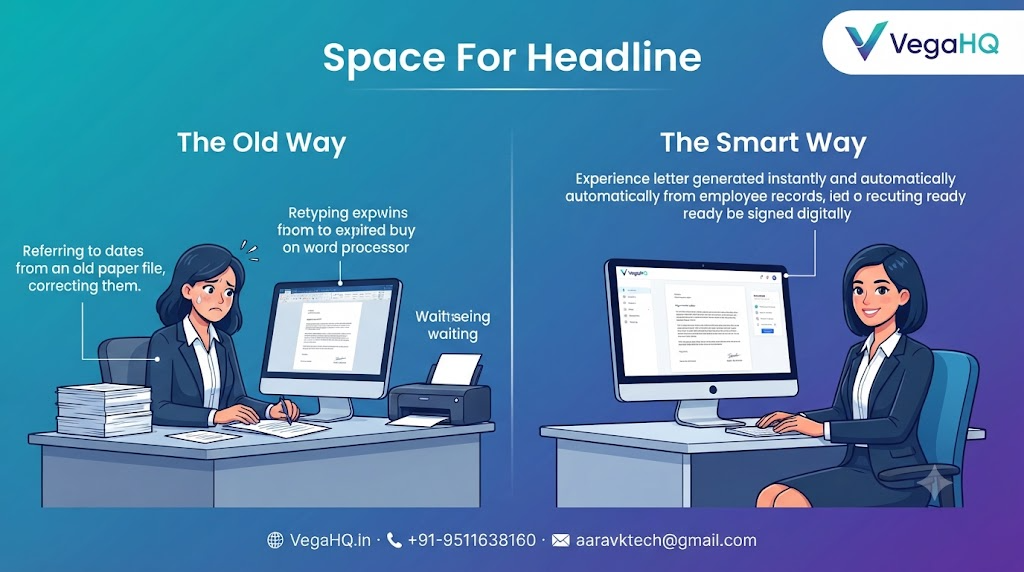
01The Old Way: Calling One by One
'Are you free tomorrow?' — asked to six people in sequence, one call at a time. Three of them are already scheduled, one is on approved leave, and two don't pick up because it's nearly ten at night. There's a paper list with names crossed out and rewritten.
Worse, someone gets called who worked a double shift yesterday, because nobody checked their hours first. It's now 9:40 PM and the shift still isn't covered. And if the wrong person does come in, you've quietly created an overtime cost or a fatigue risk that nobody wanted.
02The Smart Way: One Availability View
With VegaHQ, you see at a glance who's on leave, who's already scheduled, and who's genuinely free. Hours already worked this week are visible, so nobody gets overloaded by accident. You can filter by role or skill, because most shifts need a specific capability rather than just a warm body.
The request goes to available staff directly instead of one call at a time. The first acceptance locks the slot, and everyone else sees it's filled. And there's a record of who was asked, who accepted, and when — useful the next time someone claims they're never offered extra shifts.
03The Real Difference
It isn't just speed, though forty minutes back is worth having. Calling around is guesswork conducted by phone. Availability data is a decision made on facts — including the fatigue and overtime facts that sequential calling routinely misses.
Stop dialling. Start seeing.
Configuration depends on your shift structure and leave policies.
📞 Book a free VegaHQ demo today!
04🌐 VegaHQ.in · 📞 +91-7296994920 · 📧 aaravktech@gmail.com
Frequently asked questions
How do I find who is free for tomorrow's shift?
With VegaHQ you see at a glance who is on leave, who is already scheduled and who is free, so a supervisor does not have to call people one at a time late at night.
How do I avoid overloading someone who already worked a lot this week?
Hours already worked this week are visible in the availability view, so you don't call in someone who worked a double shift yesterday. This avoids unplanned overtime cost and fatigue risk.
How is the open shift offered to staff?
The request goes straight to available staff instead of one call at a time. You can filter by role or skill. The first person to accept gets the slot, and everyone else sees that it is filled.
Is there a record of who was offered the shift?
Yes. VegaHQ records who was asked, who accepted and when. Setup depends on your shift structure and leave policies.
Give HR its AI upgrade
Attendance, payroll, performance and recognition — unified, automated and always in sync.


Comments
Join the conversation — share your thoughts below.
Be the first to comment.